
Full tee sheets.
Zero phone tag.
BirdieEngine gives you a branded mobile booking link, live Google Calendar sync, and automatic text reminders — so your open lesson slots get filled without you chasing anyone.
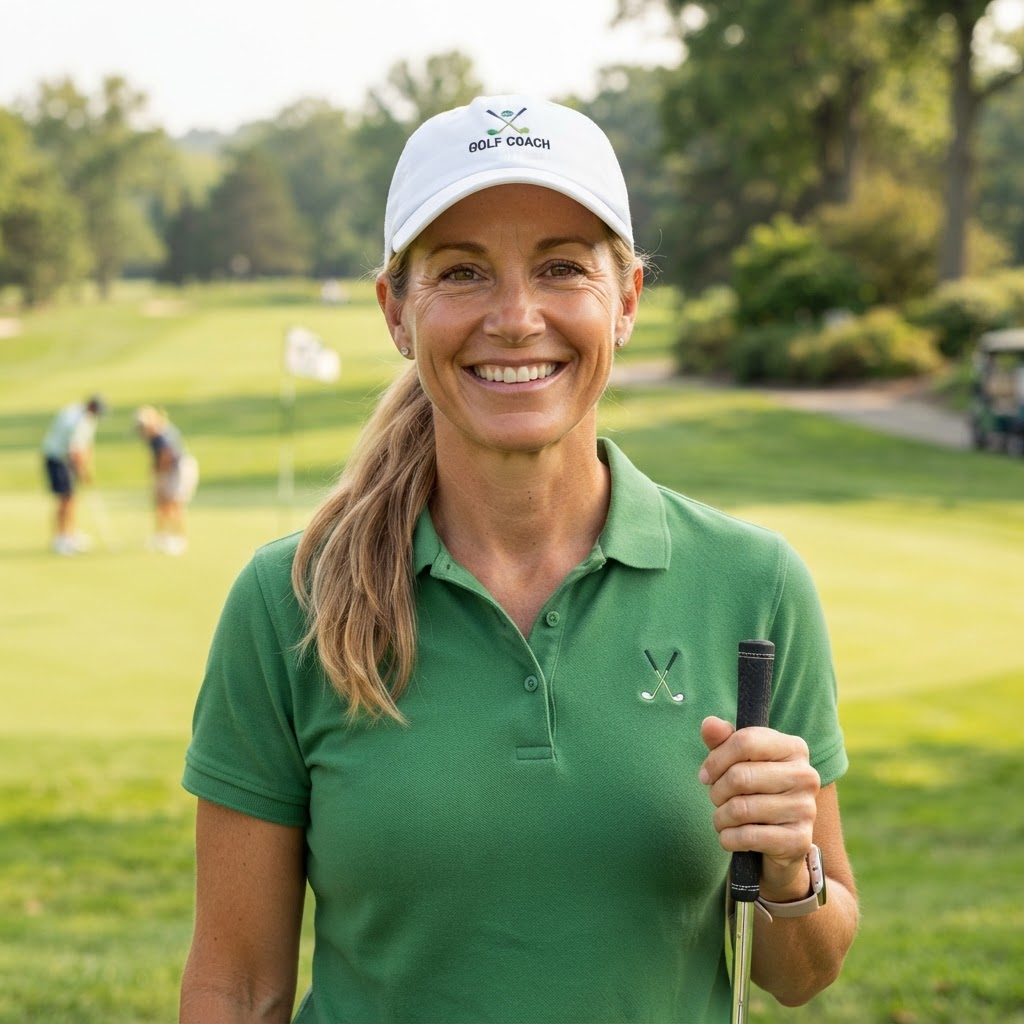
Sloane Whitfield, LPGA
Pine Valley Links & Learning Center
Marcus Vance (14.2 HCP)
60-Min Private Swing Analysis • $140
Blocked in coach's Google Calendar automatically when booked
The Problem
Every unanswered inquiry is an empty lesson bay.
You're on the range teaching from 8 AM to 5 PM. Students text asking when you have an opening. By the time you check your calendar between swings, they've booked with another pro or forgotten.
The Daily Lesson Chase
- ✕Endless back-and-forth texts: "Are you free Thursday afternoon?"
- ✕No-shows because students forgot without an automated SMS reminder.
- ✕Accidental double-bookings when personal Google events conflict.
- ✕Scattered student notes on index cards or notes app.
A Coach's Automated Book
- One link in your bio or text: student picks a live slot in 30 seconds.
- Instant SMS confirmation + 24-hour reminder cuts no-shows to near zero.
- Real-time Google Calendar sync: personal events automatically block booking.
- Complete student history, handicap progression, and contact list in one place.
How It Works
Three steps. Then your book runs itself.
Connect Your Calendar
One-click sync with your Google Calendar. Existing events instantly block off booking times so you never double-book a lesson or private round.
Share Your Coach Link
Add your custom booking link to your Instagram bio, Google Business profile, or text it to inquiring golfers. Mobile-optimized for easy 1-hand booking.
Automatic Reminders & History
BirdieEngine sends a text confirmation right away and a reminder before the lesson. Student contact info and notes save automatically to your roster.
Frequently Asked
Questions, answered.
Do students have to download an app or create an account?
No. Students simply tap your link, pick an open date and time, enter their name and mobile number, and book in 30 seconds. They immediately get a clean SMS confirmation.
How does calendar sync work?
BirdieEngine connects with your Google Calendar. When a student books, it puts the lesson right on your phone's calendar. If you add a personal doctor's appointment or playing round to Google, that time is automatically removed from your public booking page.
How do lesson payments work?
In Version 1, coaches collect payments via Venmo, Zelle, check, or cash at the lesson just as they normally do. Integrated payments and deposits are slated for Version 2 once coaches graduate from the initial pilot.
Can I cancel or reschedule lessons?
Yes, right from your Coach Dashboard. You can view all upcoming lessons for today and the week, reschedule to a new time, or cancel with a single tap.